Profile
Manage Profile Info
To update any of your profile information view this page.
Alerts
To enable alerts, toggle the 'Email Alerts' slider to 'On'. This will send all alerts to the email indicated in the 'Alert Email' field. As a temporary solution to receive SMS alerts, use your carriers Email to SMS feature as shown in the table below.
| Provider | Format |
|---|---|
| Verizon | [your 10 digit phone number]@vtext.com |
| AT&T | [your 10 digit phone number]@txt.att.net |
| T-Mobile | [your 10 digit phone number]@tmomail.net |
API Keys
The API is currently in Beta. Scroll to the bottom of the Profile page, below the View Billing Portal button, to find the API Keys panel. It lets you create keys for reading your own device data programmatically. Click + Generate Key, label it, and pick an expiry (30 days, 90 days, 180 days or 1 year; the default is 90 days). The key is shown once, so copy it straight away. The list shows each key's label, when it was created, when it expires, and when it was last used. Expired keys are marked as such and no longer work; Revoke stops a key immediately. See API Access for how to use a key.
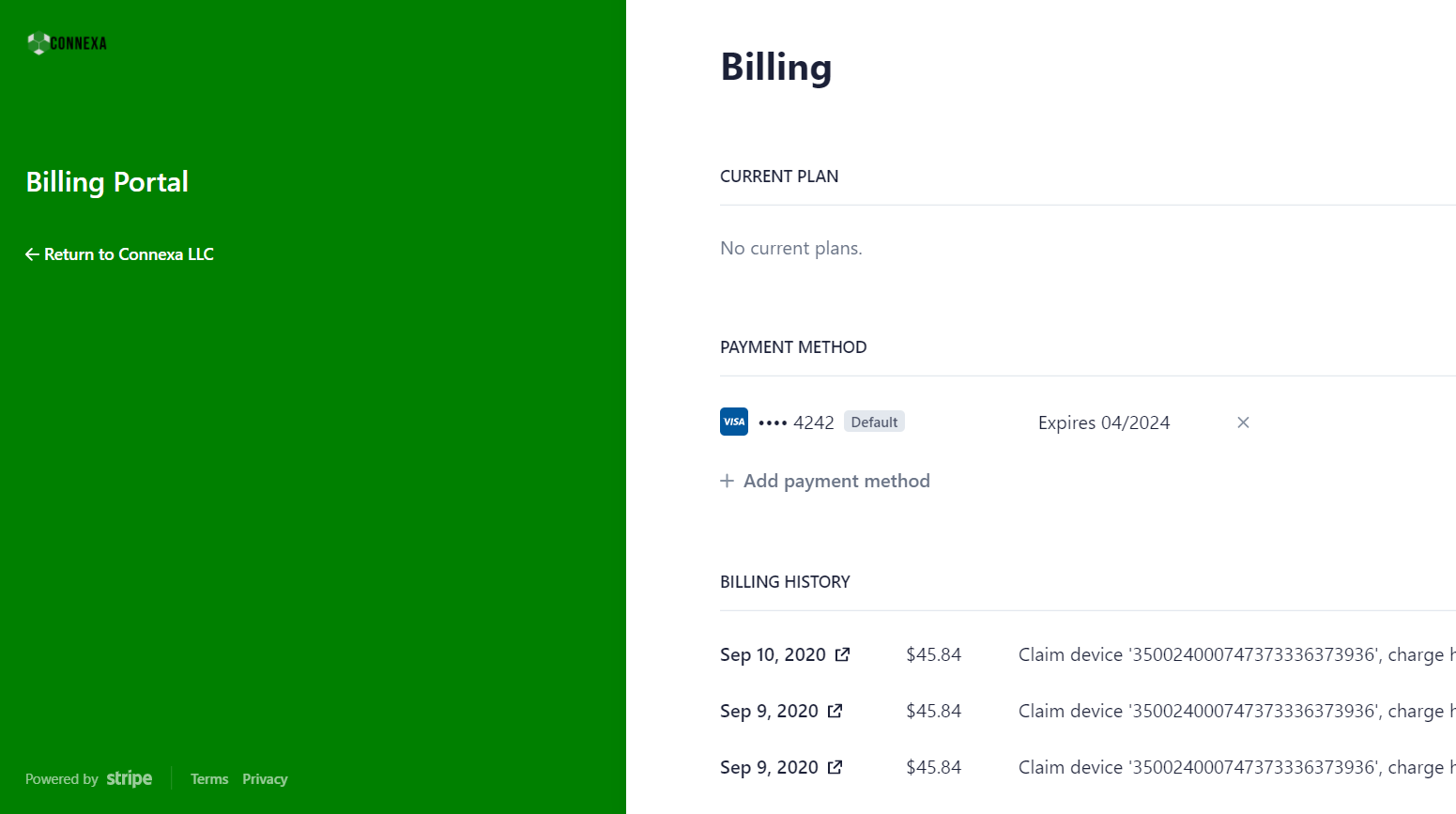
Billing
By pressing the "Billing Portal" button you will be redirected to a your Customer Billing Portal hosted on Stripe. Here you can update payment methods and view/download all of your previous receipts.